


The Simpson Travel App
We are delighted to introduce the Simpson Travel app, bringing all your essential holiday information directly to your mobile device. It’s the simplest way to keep your travel details in the palm of your hand, including driving directions, local information, contact numbers for our concierge teams overseas and more.
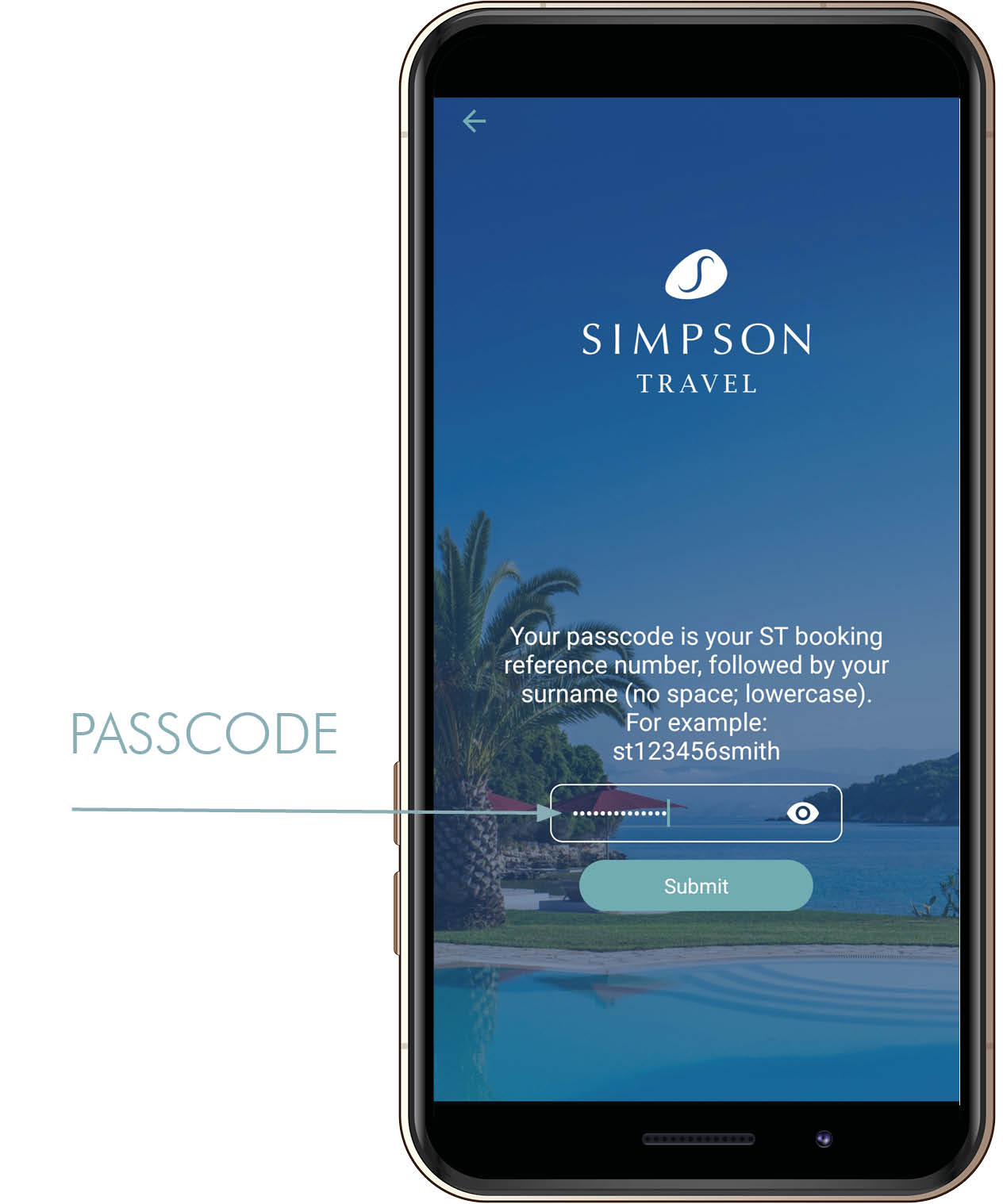
1) Your passcode is your Simpson Travel booking reference, followed by your surname (no space, lower case) e.g. ST123456smith, then hit submit.
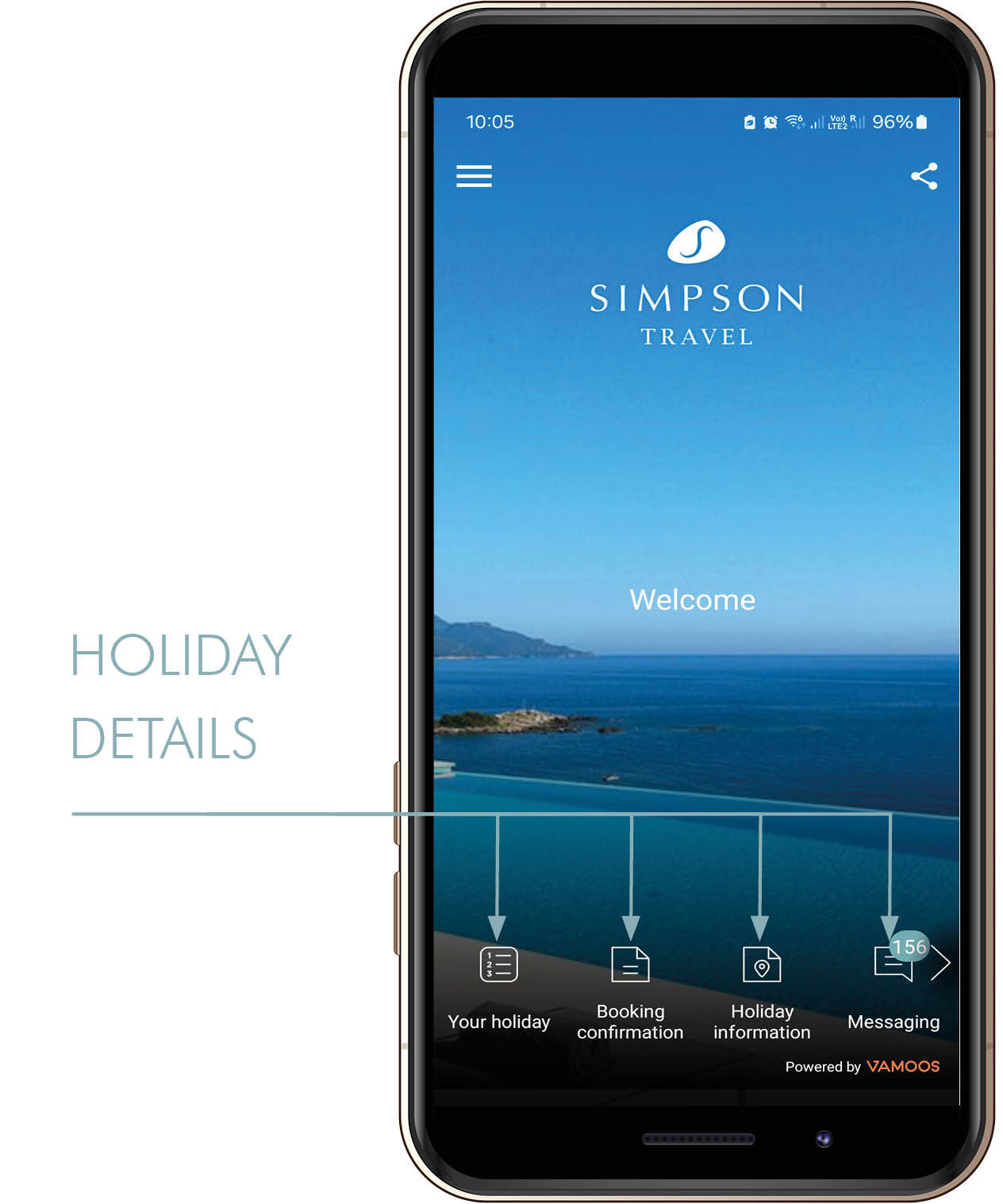
2) Once you are logged in, your holiday details will show on the bottom of the screen.
Please note: all travel documents are added to the app 14 days prior to departure; this includes driving directions which can be found in the Holiday information folder.
What’s in the app?
The Simpson Travel app contains all the information you need to know in the run up to your holiday and while you're away. It contains flight information (where applicable), local weather forecasts and key documents relating to your destination and accommodation. Two weeks prior to your departure, you’ll also receive the details of your Local Concierge overseas. Within the app you will also find a direct link to the My Account page on our website, which you can access using your email address and password. Here you will be able to provide your passport details and driving licence information, if required.
Do I need a special device in order to use the app?
Our app is designed to work with phones or tablets running Apple’s iOS or Google’s Android platform.
How do I get the app?
In order to download the app onto your mobile device you must have an existing account in either Apple’s App Store or Google’s Play Store. The app is free and once you’ve downloaded it you’ll be asked to enter your registered app store/play store account details. Please note, these are not the same as the details we send you to login to the app.
When can I start?
You can access your holiday information 24 hours after you have made your booking with us.
How do I login to the app?
Once you’ve downloaded the app onto your device, you're ready to go. We'll send you a unique passcode the day after you book (please allow 24 hours) and this will allow you to access your holiday details. Simply follow the prompts and enter the unique passcode for your booking.
What if I have more than one holiday booked?
If you've already downloaded the app and logged in to one of your bookings, you can add a further booking by entering another unique passcode. Once we have sent this to you, simply open the menu  and select 'Load New'
  - this will then allow you to re-enter the unique passcode for your new booking.
Download the Simpson Travel App from:


We very much hope our app will be a welcome and valuable addition to your Simpson Travel experience.


